

Assignment 1
This assignment explores the fundamental principles of creating illusions through the moving image. You will capture, edit, and produce still and moving lens-based image sequences using DSLR cameras and then use them to produce motion designs in Adobe software.
Week 1: Creating a database and a lightroom
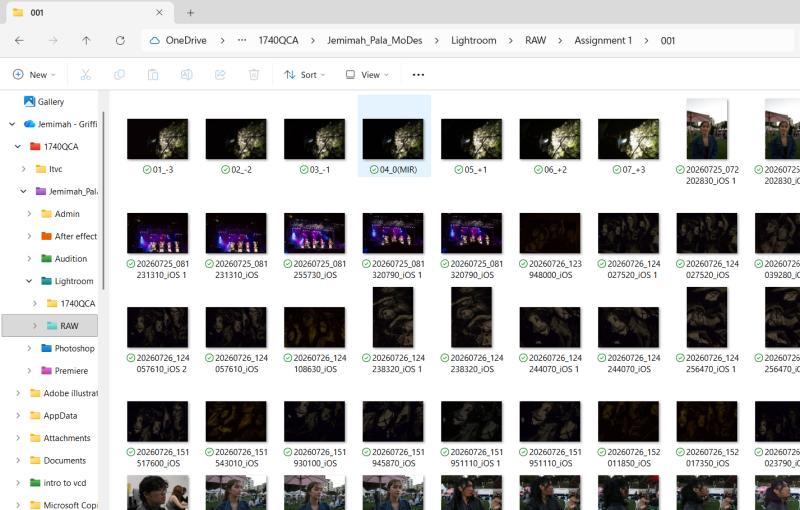
This week focused on creating an organised workflow for the assignment. I created folders to manage my camera and how to use it, setting up the camera learning how to shoot RAW adobe platforms and the work i produce with them .and a Lightroom Catalogue to organise the images. I initially found navigating the camera settings difficult however when i got the hand of it i was able to capture as many images. Creating the filing system on my OneDrive was very effective setting up the structure which helped me navigate the files and maintain the original images throughout the editing process.


Week 2: RAW image capture, Edit & Export
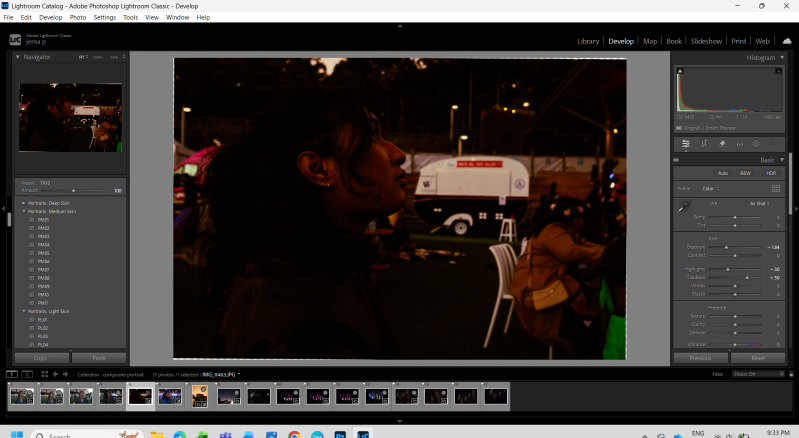
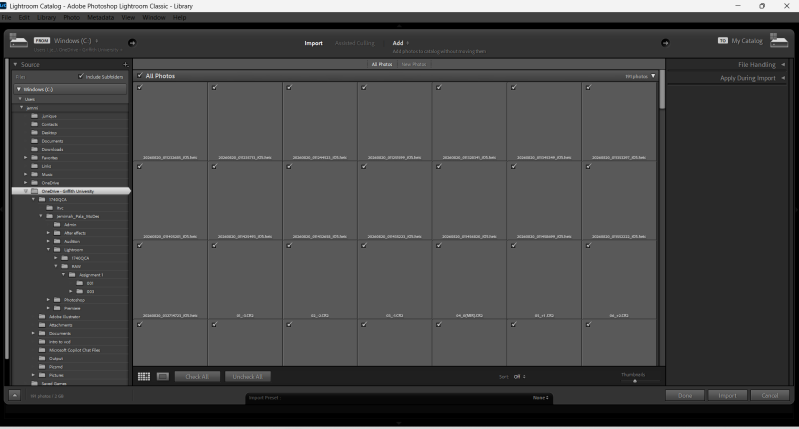
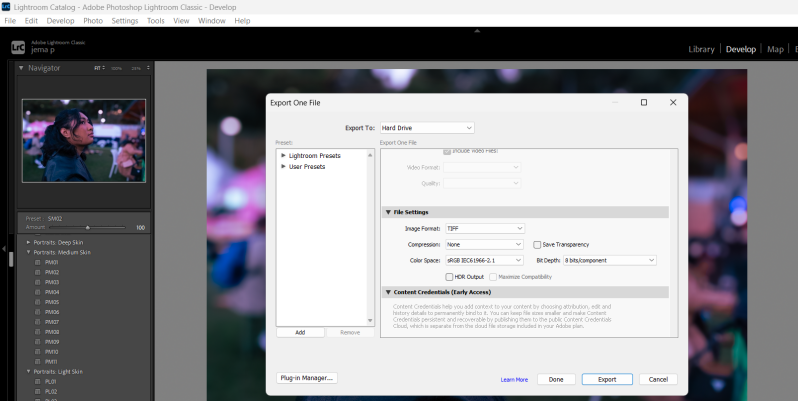
This week i captured images and imported the Raw files into Lightroom Classic. I initially had issue importing my pictures which slowed down the process at first. I experimented with different tools and adjustments to alter the photographs before selecting photos i wanted to use in photoshop. I found Lightroom difficult to navigate as i've never used some of the Adobe platforms before and tried to experiment with the tools that i got more familiar with the editing process and how small changes can effect an image.

Week 3 : Composite image
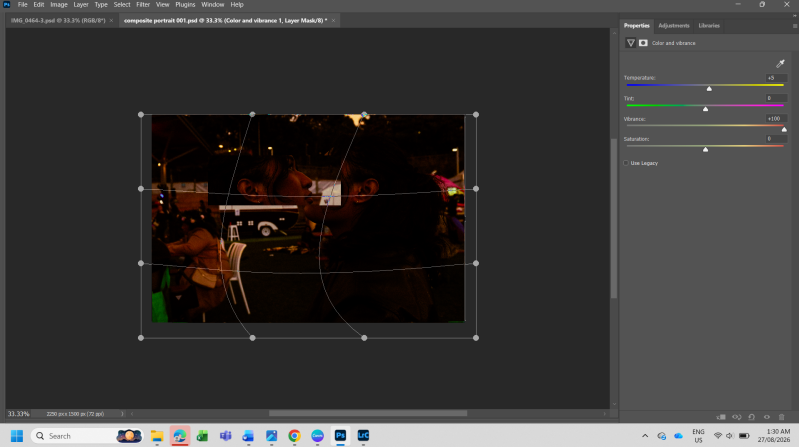
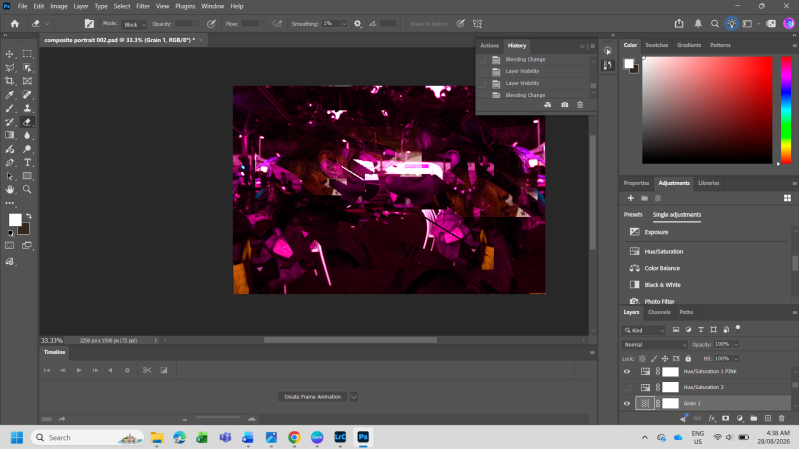
This week i learned how to use Photoshop to combine multiple images into a single composite image. I found the tools really hard to navigate and i kept having to restart editing when the previous image i made with new tools did not look how i wanted. When it came to understanding Layers, masks and adjustments, i was able to create small illusions within the photographs.
As a result, the process helped me understand that there should be more practice especially when learning about new tools and how to apply them when editing images into what you want


Week 4: GIF animation
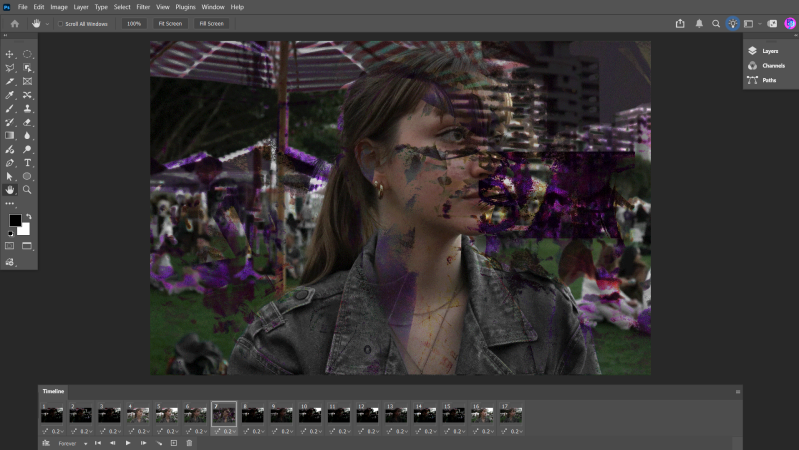
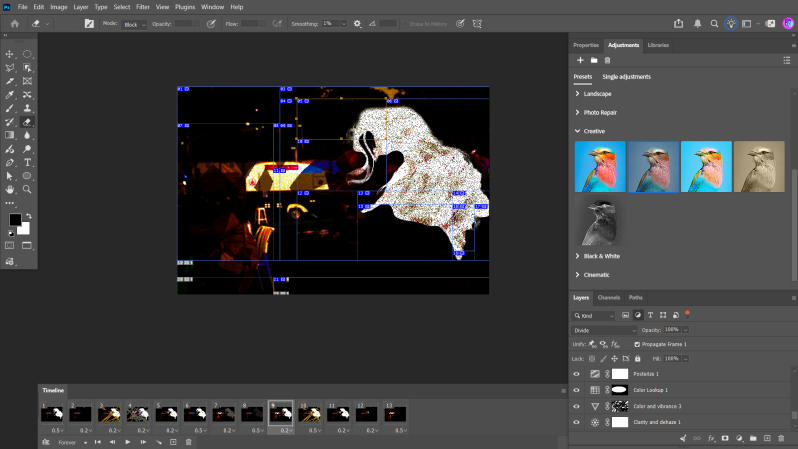
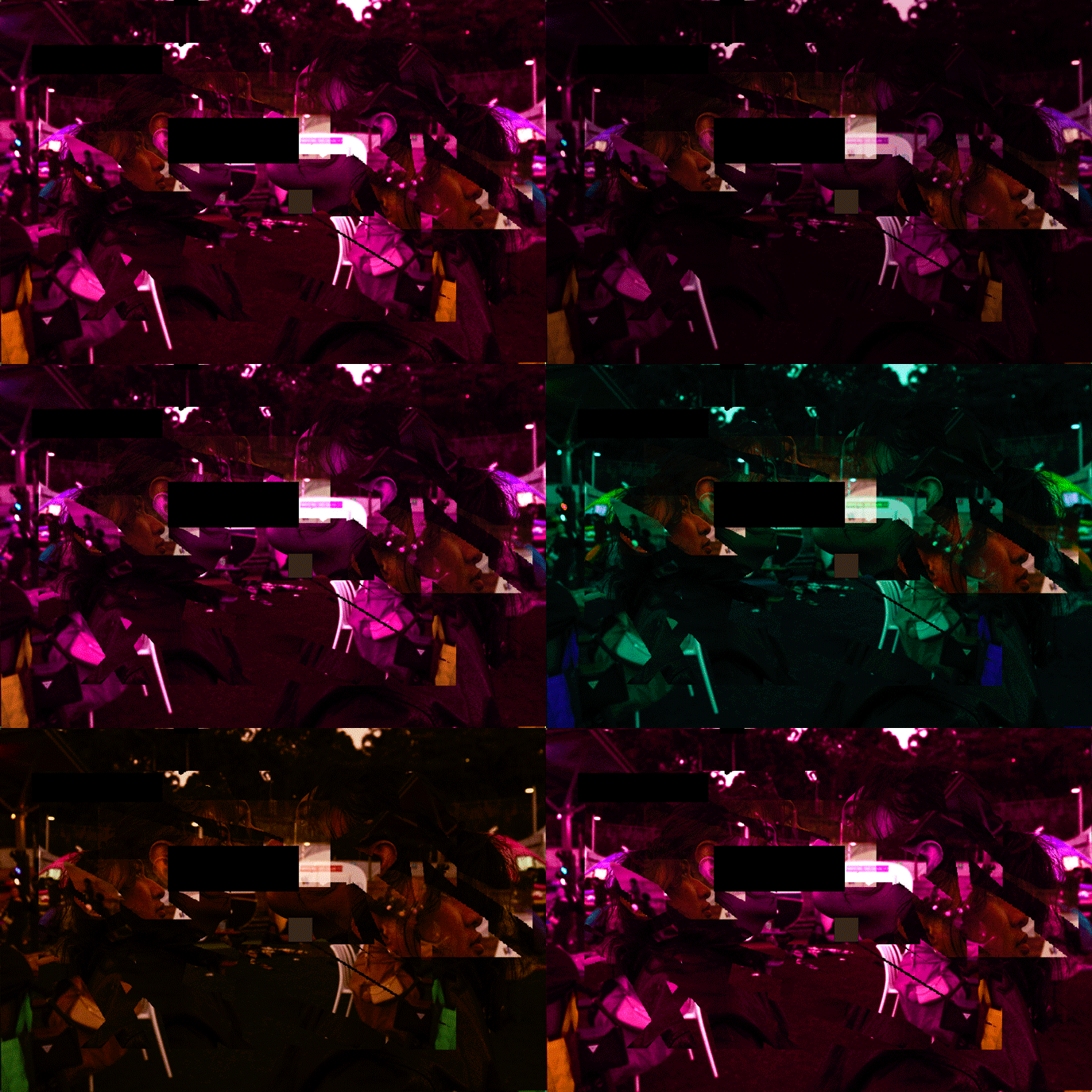
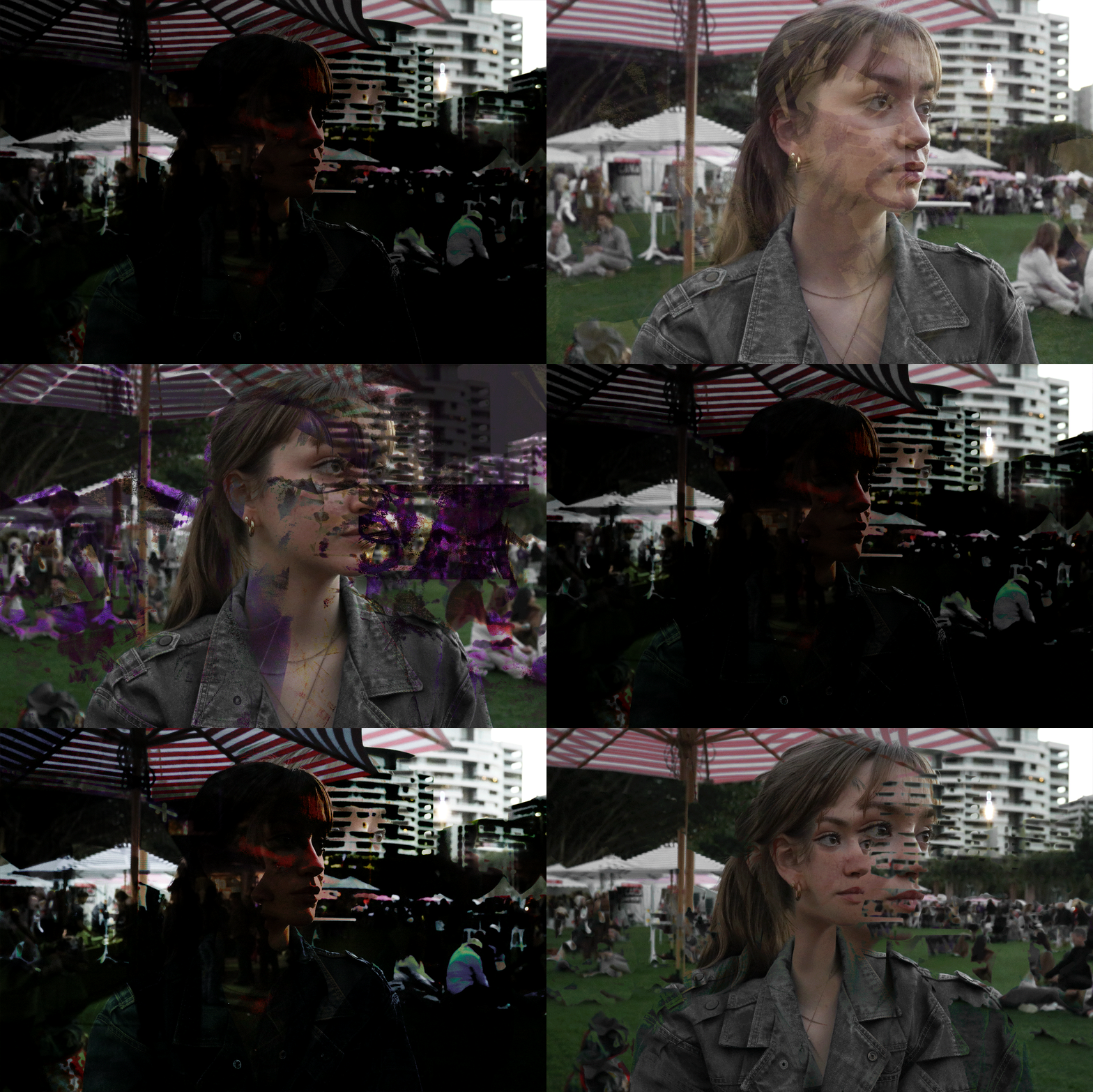
Learning about GIF animation was particularly `insightful as we breakdown how they work and the many possibilities you can get. I believe that i could have used more diverse images to compose my GIFs, however it was a good challenge to also work with what you have. I explored the order, timing and how to edit each frame to create the appearance of movement. I found GIF creation quite fun however the experimentation with similar images challenge me to try different things. Although the GIFs came out with the same images, with practice i understand how individual images create movement.

GIFS

Week 5: Image sequencing in After Effects
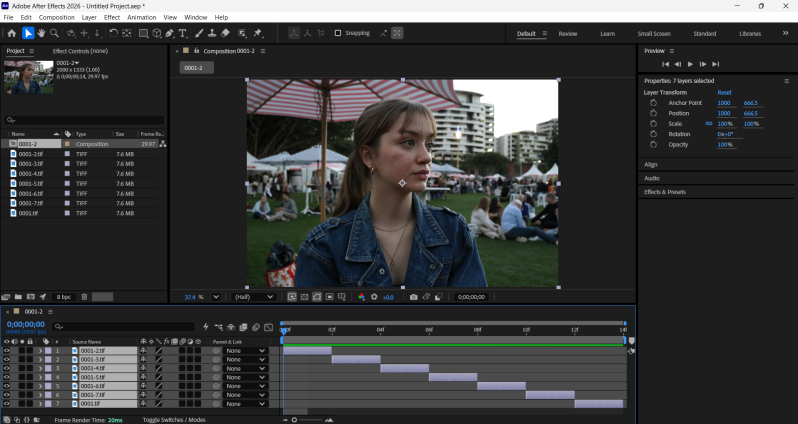
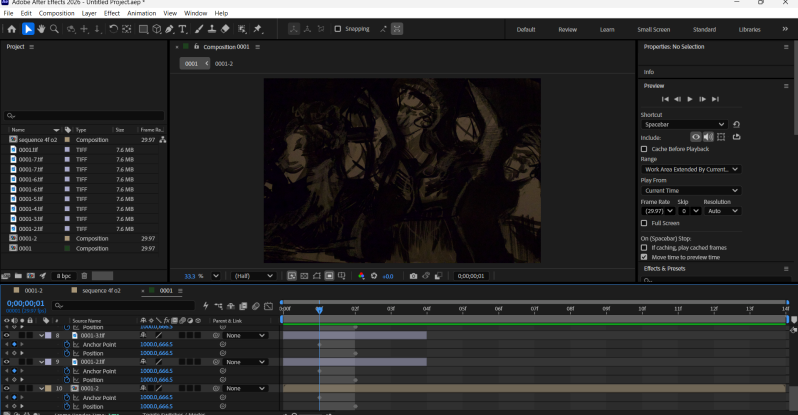
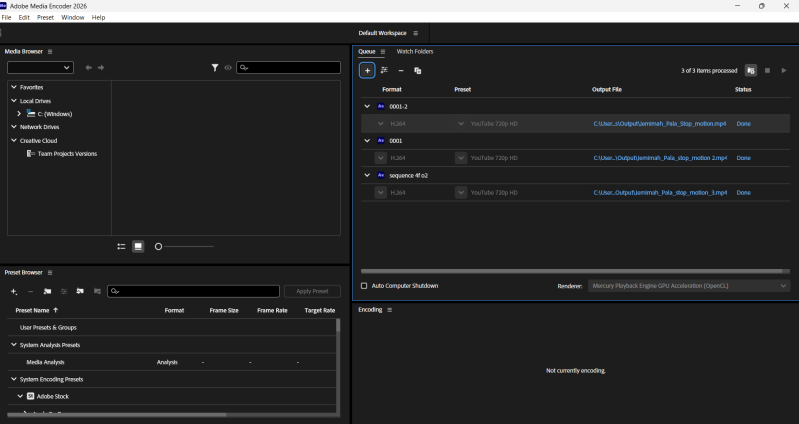
After navigating Photoshop, i brought my image sequences into After Effects and experiment with different timing, speed, movement and layering to create motion. Although i think my usage of the same images kept each example of the motion images very similar and learning about new platforms like After effects was the most challenging task.
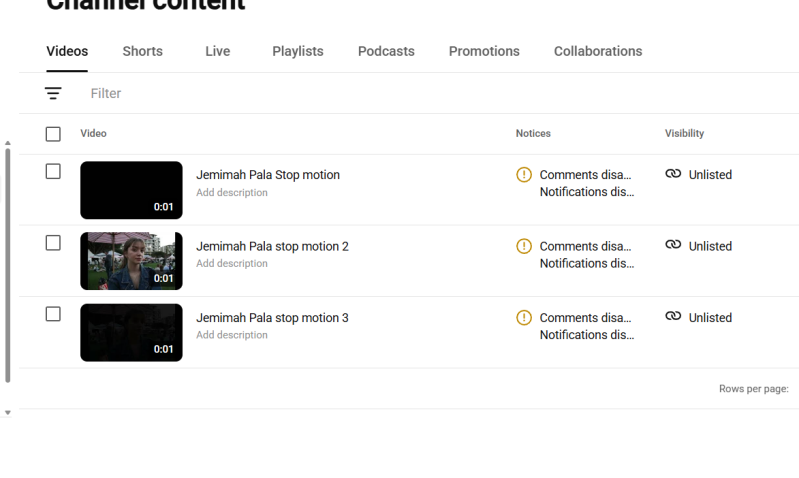
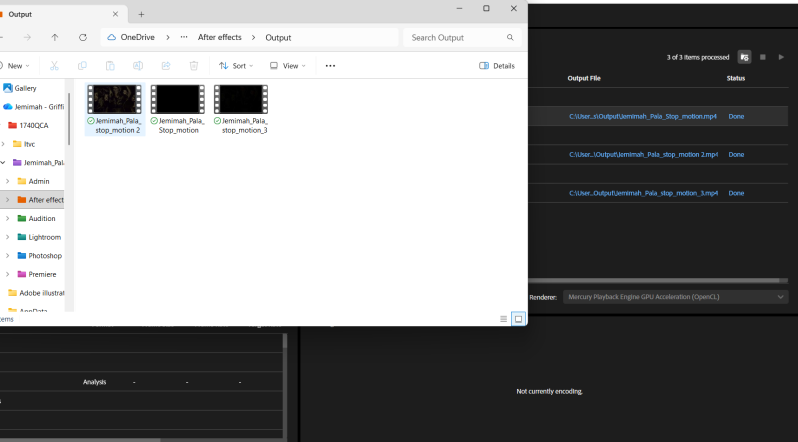
I was able to create 3 different motion images but i struggled to find different tools or apply them to diversify each image. Navigating new apps needs a lot of practice and experimentation is a very important thing i learned.
YOUTUBE motion images
IMAGE 1: https://youtu.be/rmVlwlxA_fg
IMAGE 2: https://youtu.be/KihKYkXdPGM
IMAGE 3: https://youtu.be/1gDDpNER2h4
Week 6: Problem solving and reflection
This Assignment allowed me to explore a plethora of information about visuals and image movement through Lens-based sequencing. Over the six weeks i learned how to use a DSLR camera and Adobe software to experiment how still photographs can be transformed into composite images, GOFs and moving image sequences. In this assignment I developed a moderate understanding of the Adobe software Lightroom, Photoshop and After Effects and how they operate together in motion design. The software applications were a learning curve for me as I had never used them before which challenged me to be open to exploring as many tool as I could. I also developed a clear understanding of the basic database management and found maintaining the folder structure and different file formats, their differences and how to import, edit and export them from the different software quite simple. While a lot of the techniques were difficult and a lot of my practice images and editing, I found it hard to translate some of my ideas onto the screen. I did learn new skills as I explored new features Across the 6 weeks, experimented with colour management and the importance of white balance and space is and different ways to enhance them with editing and how to create composite images with masks, transformations, layers and adjustments and specifically learning about GIFs. These were particular areas that I got the hang of as the tools got more familiar and repetitive, although I could have spent some time developing the ideas especially when working with new tools. A few limitations that challenged me was when I was unsure how to use the software or how the experiment would not work and not knowing software tools took up a lot of time. This limited the creative risks that I could have taken especially with more practice. This assignment helped me understand how more experimentation, better planning and allowing your creative confidence and technical skills will improve processes in future projects.
The attention to detail and mastery of motion principles elevated our brand launch beyond expectations.
Sarah Jenkins
Creative Director, Studio North
Exceptional eye for timing and graphic composition. A seamless collaborative experience from concept to delivery.
Marcus Chen
Producer, Vision Media
Transformed our static visual identity into an unforgettable dynamic experience across all digital screens.
Elena Rostova
Founder, Spectrum Interactive
Ready to start your next visual project?
Discover the tailored design process behind successful motion graphics and visual storytelling.
Get in touch
Studio location
Brisbane, QLD, Australia
Email: [[email]]
Phone: [[phonenumber]]
Create Your Own Website With Webador